

Understanding the Amazon Ungating Process for Your Selling Success
Selling on Amazon offers incredible opportunities, but not all product categories are open to every seller. Amazon restricts certain categories and brands to maintain quality and customer trust. To sell in these restricted areas, sellers must go through a process called ungating. Understanding how to navigate this process can unlock new revenue streams and give your business a competitive edge.
This post explains the Amazon ungating process in detail, breaking down what it involves, why it matters, and how you can successfully get approved to sell restricted products.
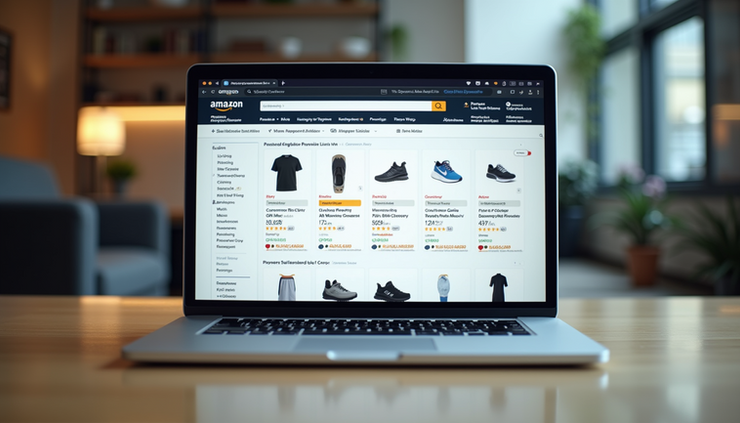
Amazon Seller Central dashboard showing product listings and approval status
What Does Amazon Ungating Mean?
Amazon ungating refers to the process of getting approval to sell products in restricted categories or brands. Amazon limits access to certain categories to protect customers from counterfeit, unsafe, or low-quality products. These restrictions apply to categories like:
Beauty and personal care
Grocery and gourmet food
Health and household
Watches and jewelry
Automotive parts
Certain branded products
When a category or brand is gated, new sellers cannot list products in that area until they submit an application and meet Amazon’s requirements.
Why Amazon Restricts Categories
Amazon restricts categories to:
Ensure product authenticity and safety
Maintain high customer satisfaction
Reduce counterfeit and fraudulent listings
Protect brand reputation
These restrictions help Amazon maintain trust with buyers, which is critical for its marketplace success.
How to Know If a Category or Brand Is Gated
You can check if a category or brand is gated by:
Trying to list a product in that category or brand on Seller Central. If you see a message that says you need approval, it’s gated.
Reviewing Amazon’s Seller Central help pages, which list restricted categories and brands.
Using third-party tools or seller forums that track gated categories.
Steps to Get Ungated on Amazon
Getting ungated requires preparation and documentation. Here’s a step-by-step guide:
1. Identify the Category or Brand You Want to Sell
Focus on the specific category or brand you want to get approval for. Each may have different requirements.
2. Meet Basic Seller Account Requirements
Amazon expects sellers to have:
A professional seller account (not individual)
Good account health with no recent policy violations
Positive seller performance metrics
3. Gather Required Documentation
Amazon typically asks for:
Invoices from approved suppliers showing purchase of products in the gated category or brand
Product images and packaging details
Business licenses or tax documents (depending on category)
Authorization letters from brands (if required)
Invoices must be recent (usually within 180 days) and show the seller’s business name and address matching the Amazon account.
4. Submit the Application
Go to Seller Central, find the category or brand approval page, and upload your documents. Provide clear, accurate information.
5. Wait for Amazon’s Review
Amazon reviews your submission and may:
Approve your request, allowing you to list products
Request additional information or documents
Deny the request if requirements are not met
Review times vary but typically take a few days to a week.
6. Start Listing Products
Once approved, you can list products in the gated category or brand. Make sure to comply with Amazon’s policies to maintain approval.
Tips for a Successful Ungating Application
Use invoices from reputable suppliers with clear product details.
Ensure your business information matches across all documents.
Submit high-quality images showing product packaging and labels.
Respond promptly if Amazon requests more information.
Avoid submitting fake or altered documents; Amazon verifies authenticity.
Common Challenges and How to Overcome Them
Rejected Applications
If Amazon denies your application:
Review the rejection reason carefully.
Check if your invoices meet the criteria.
Consider sourcing from a different supplier.
Reapply after addressing the issues.
Difficulty Finding Approved Suppliers
Some categories require invoices from authorized distributors. Research suppliers carefully and ask for proof of authorization.
Maintaining Approval
After ungating, keep your account in good standing by:
Following Amazon’s product listing policies
Avoiding counterfeit or prohibited products
Monitoring customer feedback and returns
Examples of Ungating Success
A seller specializing in skincare products got ungated in the Beauty category by submitting invoices from a certified distributor and clear product photos. This approval increased their sales by 40% within three months.
Another seller expanded into the Grocery category after providing detailed invoices and business licenses. They gained access to high-demand products and grew their brand presence.
Why Ungating Matters for Your Business
Getting ungated opens doors to new product lines and higher profit margins. It also builds credibility with customers who trust Amazon’s vetting process. Sellers who master ungating can:
Differentiate themselves from competitors
Access exclusive brands and categories
Increase sales volume and revenue


Comments